


Copy Paste Font: A Complete Guide to Stylish Text and Fancy Fonts

Introduction
In today’s digital world, people love making their social media profiles, messages, and online content stand out. One of the easiest ways to do this is by using a copy paste font. These stylish text generators allow users to create unique-looking letters that can be copied and pasted into social media platforms, gaming usernames, chats, and websites without installing any special software.
This guide explains what copy paste fonts are, how they work, their benefits, and where you can use them.
What Is a Copy Paste Font?
A copy paste font is a style of text created using special Unicode characters rather than traditional font files. Although it looks like a different font, it is actually a collection of symbols and characters that resemble various typography styles.
Users simply enter their text into a font generator, choose a style they like, copy the generated text, and paste it wherever Unicode characters are supported.
How Copy Paste Fonts Work
Unlike fonts installed on your computer, copy paste fonts rely on the Unicode Standard, which contains thousands of characters, symbols, and letters from different languages and writing styles.
When you generate stylish text, the tool replaces regular letters with Unicode equivalents that appear bold, italic, cursive, bubble, or decorative.
For example:
- Normal: Hello World
- Bold: 𝗛𝗲𝗹𝗹𝗼 𝗪𝗼𝗿𝗹𝗱
- Script: 𝑒𝓁𝓁𝑜 𝒲𝑜𝓇𝓁𝒹
- Bubble: Ⓗⓔⓛⓛⓞ Ⓦⓞⓡⓛⓓ
- Monospace: 𝙷𝚎𝚕𝚕𝚘 𝚆𝚘𝚛𝚕𝚍
Benefits of Using Copy Paste Fonts
Make Your Profile Stand Out
Stylish fonts help create eye-catching usernames, bios, and profile descriptions on social media.
Improve Content Appearance
Decorative text can make captions, comments, and posts more attractive and engaging.
No Software Installation Required
Most font generators work directly in your web browser, making them quick and convenient.
Easy to Use
Simply type your text, copy the style you like, and paste it into your desired platform.
Free Access
Most copy paste font tools are available for free and require no registration.
Popular Copy Paste Font Styles
Many font generators offer dozens of unique text styles, including:
- Bold text
- Italic text
- Script fonts
- Cursive fonts
- Gothic fonts
- Bubble text
- Square text
- Double-struck text
- Monospace text
- Small caps
- Tiny text
- Underlined text
- Upside-down text
- Glitch text
- Decorative symbols
Where Can You Use Copy Paste Fonts?
Copy paste fonts work on many online platforms, including:
Social Media
Use stylish text in:
- Instagram bios
- Facebook posts
- TikTok profiles
- X (formerly Twitter) posts
- Threads
Messaging Apps
Personalize your messages on:
- Telegram
- Messenger
- Discord
Gaming
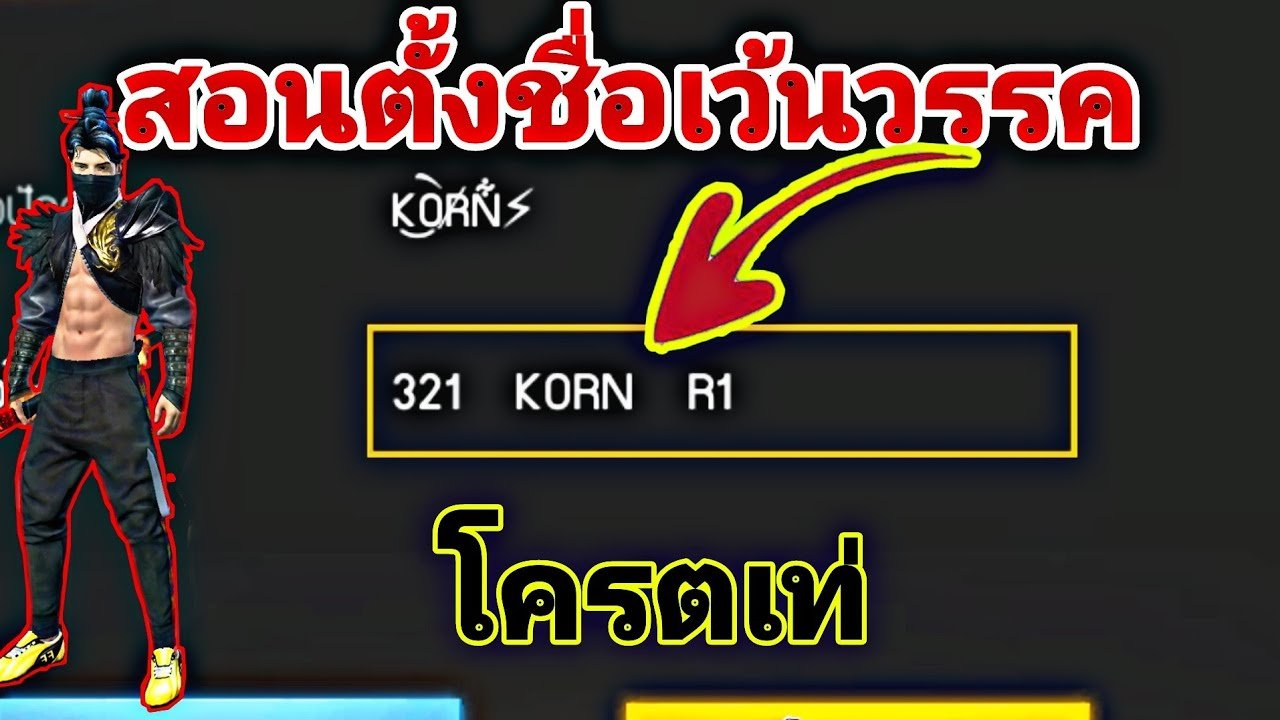
Gamers often use stylish fonts for:
- Usernames
- Clan names
- Team names
- Player profiles
Content Creation
Bloggers, influencers, and marketers use decorative fonts in:
- Headlines
- Social media graphics
- Promotional posts
- Video descriptions
How to Generate Copy Paste Fonts
Creating stylish text is simple:
- Open a copy paste font generator.
- Type or paste your text into the input box.
- Browse the available font styles.
- Copy your favorite design.
- Paste it into your desired platform.
The process usually takes only a few seconds.
Are Copy Paste Fonts Safe?
Yes. Most copy paste fonts are safe because they use Unicode characters rather than downloading software or modifying your device. However, always use trusted websites and avoid granting unnecessary permissions.
Limitations of Copy Paste Fonts
While stylish fonts are useful, they have some limitations:
- Some platforms may not support every Unicode character.
- Decorative fonts can be harder to read.
- Search engines may not index fancy text as effectively as standard text.
- Accessibility tools may struggle to interpret highly decorative characters.
For important content, it’s often best to use regular text.
Tips for Using Copy Paste Fonts
To get the best results:
- Use stylish fonts sparingly.
- Choose readable designs.
- Test your text on different devices.
- Avoid using decorative fonts for long paragraphs.
- Combine stylish text with emojis for added visual appeal.
Frequently Asked Questions
Are copy paste fonts real fonts?
No. They are Unicode characters designed to resemble different font styles rather than actual installed fonts.
Do copy paste fonts work on mobile devices?
Yes. Most Android and iPhone devices support Unicode characters, allowing stylish text to display correctly.
Are copy paste fonts free?
Yes. Most online font generators are free to use.
Can I use stylish fonts in Instagram bios?
Yes. Instagram supports many Unicode characters, making copy paste fonts popular for bios and usernames.
Do copy paste fonts affect SEO?
Using decorative fonts in large amounts on websites is generally not recommended because search engines work best with standard text. Regular fonts are better for web content and accessibility.
Also Read:MotoAssure BBB Rating: Everything You Need to Know Before Buying a Vehicle Protection Plan
Conclusion
Copy paste fonts are a fun and easy way to personalize your online presence. Whether you’re creating a unique Instagram bio, designing a gaming username, or making social media posts more engaging, stylish Unicode text offers countless creative possibilities. By using these fonts thoughtfully and ensuring readability, you can make your content stand out while maintaining a professional and user-friendly appearance.